
Table of Contents
- Introduction
- Why Python Libraries Are Important
- NumPy
- Pandas
- Matplotlib
- Scikit-learn
- TensorFlow
- Flask
- Requests
- BeautifulSoup
- PyTorch
- Django
- Bonus Libraries Worth Exploring
- Best Practices for Learning Python Libraries
- Final Thoughts
- External and Internal Links
Introduction
The Top 10 Useful Python Libraries Every Developer Should Know are more than just tools—they’re the foundation of modern Python development.
From data science and machine learning to web development and automation, Python’s rich ecosystem of libraries enables developers to do in minutes what once took hours of manual coding.
Python’s popularity in 2025 continues to rise because it’s not only beginner-friendly but also supports nearly every field of technology: artificial intelligence, cloud computing, finance, healthcare, and automation.
Whether you’re analyzing data with Pandas, building neural networks with TensorFlow, or developing web apps using Flask or Django, the right libraries can completely transform how you work.
This article breaks down each essential library, its purpose, real-world use cases, examples, and tips to help you become more productive as a Python developer.
Why Python Libraries Are Important
A Python library is a reusable collection of functions, classes, and modules that simplify coding tasks. Instead of writing everything from scratch, you can use pre-tested and optimized tools to achieve the same results faster and more accurately.
Key Benefits of Using Python Libraries:
- Time Efficiency: Reduces repetitive coding work.
- Error Reduction: Provides reliable, community-tested solutions.
- Scalability: Easily integrate with other technologies and frameworks.
- Community Support: Active global developer communities provide tutorials, updates, and bug fixes.
- Cross-Domain Usage: From AI to finance and automation, the same Python base supports multiple industries.
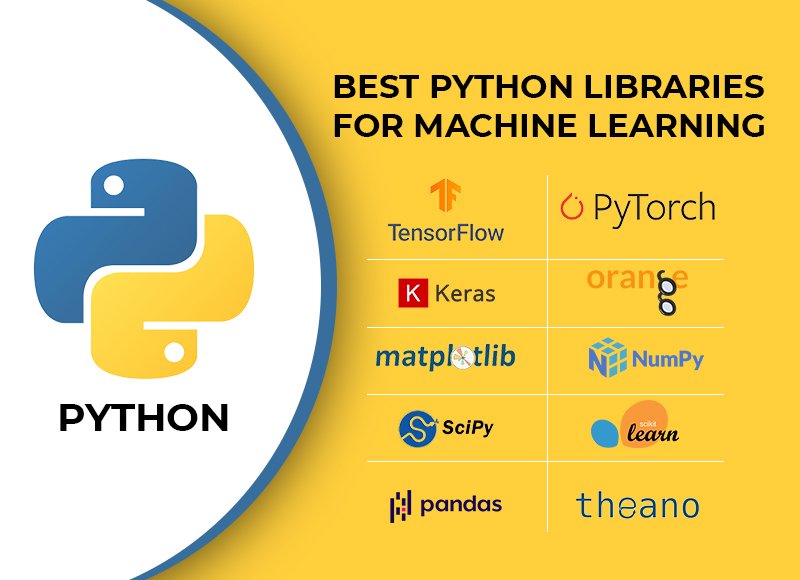
1. NumPy — The Foundation of Scientific Computing
NumPy (Numerical Python) is one of the oldest and most essential Python libraries. It provides high-performance tools for working with arrays and matrices and supports complex mathematical operations efficiently.
Why Developers Love It:
- Provides array-based operations faster than standard Python lists.
- Integrates seamlessly with other libraries like Pandas and Matplotlib.
- Forms the foundation for most data science and AI tools in Python.
Use Cases:
- Linear algebra, Fourier transforms, and random number generation.
- Scientific computing and simulation.
- Preprocessing data for machine learning models.
Example:
import numpy as np
matrix = np.array([[1, 2], [3, 4]])
print("Determinant:", np.linalg.det(matrix))
Pro Tip:
If you’re moving into data science or AI, learning NumPy should be your first step—it’s the mathematical backbone for almost everything else in the ecosystem.
NumPy Official Documentation (DoFollow)
2. Pandas — Data Analysis Made Easy
Pandas simplifies data manipulation and analysis through its DataFrame and Series structures. It’s the go-to library for reading, cleaning, and processing data efficiently.
Why Developers Use Pandas:
- Reads and writes data in multiple formats: CSV, Excel, JSON, SQL, etc.
- Provides tools for handling missing data, filtering, grouping, and merging.
- Integrates perfectly with Matplotlib for visualizations.
Example:
import pandas as pd
data = pd.read_csv("sales.csv")
print(data.groupby("region")["revenue"].mean())
Real-World Example:
Financial analysts use Pandas to calculate profit margins across multiple regions. In machine learning, it’s used to clean and preprocess datasets before modeling.
Pandas Official Website (DoFollow)
3. Matplotlib — Data Visualization Powerhouse
Matplotlib is the most widely used Python library for data visualization. It can create line charts, bar graphs, scatter plots, and more—helping you communicate insights visually.
Why It’s Useful:
- Offers full control over figure styles and layout.
- Compatible with NumPy and Pandas data.
- Extensible through libraries like Seaborn and Plotly.
Example:
import matplotlib.pyplot as plt
x = [1, 2, 3, 4]
y = [10, 20, 25, 30]
plt.plot(x, y, color='blue', marker='o')
plt.title("Sales Growth Over Time")
plt.show()
Real-World Usage:
Data scientists use Matplotlib to visualize relationships between variables, identify trends, and communicate findings in reports or dashboards.
Matplotlib Documentation (DoFollow)
4. Scikit-learn — Machine Learning Simplified
Scikit-learn (often abbreviated as sklearn) is one of the most user-friendly machine learning libraries. It provides ready-to-use tools for data modeling, training, and evaluation.
Why Developers Choose Scikit-learn:
- Beginner-friendly with a consistent API.
- Contains prebuilt algorithms for regression, classification, and clustering.
- Offers utilities for splitting data and evaluating models.
Read Deep learning Model in detail
Example:
from sklearn.model_selection import train_test_split
from sklearn.linear_model import LinearRegression
X_train, X_test, y_train, y_test = train_test_split(X, y, test_size=0.2)
model = LinearRegression().fit(X_train, y_train)
print(model.score(X_test, y_test))
Real-World Example:
Used in predictive modeling, spam detection, and recommendation systems.
Scikit-learn Official Docs (DoFollow)
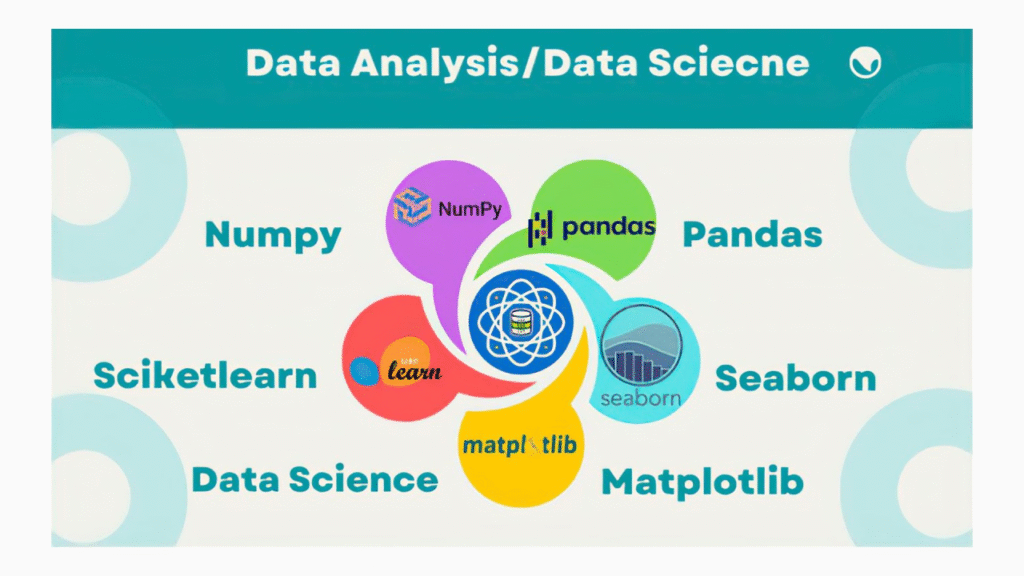
5. TensorFlow — Deep Learning Engine
Developed by Google, TensorFlow is one of the most powerful open-source frameworks for building and deploying deep learning models.
Key Features:
- Supports neural networks, deep learning, and reinforcement learning.
- Provides tools for both CPU and GPU computing.
- Integrates with Keras for simpler model building.
Example:
import tensorflow as tf
model = tf.keras.Sequential([
    tf.keras.layers.Dense(10, activation='relu'),
    tf.keras.layers.Dense(1)
])
model.compile(optimizer='adam', loss='mean_squared_error')
Real-World Example:
TensorFlow powers applications like image recognition, voice assistants, and autonomous vehicles.
6. Flask — Lightweight Web Framework
Flask is a micro web framework that helps developers build APIs and web applications quickly. It’s known for its simplicity and flexibility.
Advantages:
- Minimal setup and configuration.
- Perfect for small projects and prototypes.
- Integrates easily with front-end tools.
Example:
from flask import Flask
app = Flask(__name__)
@app.route('/')
def hello():
    return "Hello, Flask!"
if __name__ == '__main__':
    app.run(debug=True)
Use Case:
Ideal for RESTful APIs, dashboards, or small-scale web applications.
Flask Official Site (DoFollow)
7. Requests — Simplifying HTTP Requests
The Requests library allows developers to send HTTP/1.1 requests effortlessly. It replaces the need for manual handling of network connections.
Why It’s Useful:
- Simple, human-readable syntax.
- Handles cookies, headers, and sessions easily.
- Great for APIs and web scraping.
Example:
import requests
response = requests.get("https://api.github.com")
if response.status_code == 200:
    print(response.json())
Use Case:
Used in automation scripts, web integrations, and backend communication.
Requests Library Docs (DoFollow)
8. BeautifulSoup — Web Scraping Made Simple
BeautifulSoup helps extract and parse data from web pages. It’s perfect for scraping information when APIs aren’t available.
Advantages:
- Simple to use even for beginners.
- Can parse HTML and XML.
- Works well with Requests for end-to-end scraping.
Example:
from bs4 import BeautifulSoup
import requests
page = requests.get("https://example.com").text
soup = BeautifulSoup(page, "html.parser")
print(soup.find("h1").text)
Real-World Usage:
Used in price comparison sites, job aggregators, and content analysis tools.
BeautifulSoup Documentation (DoFollow)
9. PyTorch — Flexible Machine Learning Framework
PyTorch, developed by Meta (Facebook), is known for its intuitive design and flexibility in research and production.
Why Developers Love It:
- Dynamic computation graphs allow flexibility during model training.
- Excellent GPU acceleration.
- Strong community and ecosystem.
Example:
import torch
x = torch.tensor([[1, 2], [3, 4]], dtype=torch.float32)
print(torch.mean(x))
Real-World Use:
Used in AI research, NLP, and computer vision applications like object detection.
PyTorch Official Site (DoFollow)
10. Django — The Full-Stack Web Framework
Django is a robust, full-featured web framework that simplifies large-scale web application development.
Advantages:
- Built-in ORM, authentication, and admin panel.
- Emphasizes security and scalability.
- Ideal for rapid development.
Example:
django-admin startproject myproject
Real-World Example:
Instagram and Pinterest use Django for scalability and data management.
Django Official Docs (DoFollow)
Bonus Libraries Worth Exploring
- Seaborn: Simplified data visualization built on top of Matplotlib.
- Plotly: Interactive charts and dashboards.
- OpenCV: Image processing and computer vision.
- FastAPI: A modern, high-performance web framework for APIs.
- SQLAlchemy: ORM for interacting with databases efficiently.

Best Practices for Learning Python Libraries
- Start Small: Focus on one library at a time.
- Build Projects: Apply what you learn in small real-world projects.
- Read Documentation: The best way to master libraries is to explore their official docs.
- Join Communities: Participate in GitHub discussions and forums.
- Stay Updated: Python evolves quickly; keep learning new versions and features.
Final Thoughts
The Top 10 Useful Python Libraries Every Developer Should Know provide the foundation to excel in data science, web development, automation, and AI.
Each library brings unique strengths:
- NumPy and Pandas form your data core.
- Matplotlib visualizes results.
- Scikit-learn, TensorFlow, and PyTorch enable intelligent systems.
- Flask and Django handle the web side.